Using Claude Opus 5.5 as your daily driver for knowledge work
Opus 5.5 is the default model in Claude on Pro, Max, Ultra, and Team plans. Here's how it compares with our other models, and how to get the most from it for knowledge work.
Claude Opus 5.5 is now the default model in Claude on Pro, Max, Ultra, and Team plans. We recommend it as your daily driver for knowledge work, meaning the model you leave selected when you work with Claude on research, analysis, and writing or producing memos, reports, spreadsheets, and decks.
If you or your team have been using Sonnet for daily work and saving Opus for heavy analysis or complex projects, it’s worth reconsidering because a more capable model can finish a task by doing less work, which can then offset much of its higher price per token.
Here's how the current models compare:
| Model | Use it for | Price per million tokens (input / output)* | Relative speed |
|---|---|---|---|
| Claude Haiku 5.5 | Quick lookups and high-volume work where speed matters most | $0.10 / $0.50 | Fastest |
| Claude Sonnet 5.5 | Quick, well-scoped tasks, and polished documents, slides, and spreadsheets from a clear brief | $2 / $10 | Fast |
| Claude Opus 5.5 | Most knowledge work: research, analysis, and finished docs, decks, and spreadsheets that need judgment | $4 / $20 | Moderate |
| Claude Fable 5.2 | The most ambitious, open-ended technical work, in fields like coding, finance, and the sciences | $8 / $40 | Moderate |
*Prices are for usage billed by the token (model comparison). Haiku 5.5's prices apply to prompts up to 100k tokens, and longer prompts cost $0.50 / $2.50. On Pro, Max, Ultra, and Team plans, higher-priced models use your limits faster. Pro plans and standard seats on Team and seat-based Enterprise plans don’t include Fable 5.2 in their limits outside limited-time launch offers, so it runs on usage credits.
Haiku 5.5 is our fastest and least expensive model, built for quick lookups and high-volume work like writing summaries and sorting data. This is our first Haiku model with effort controls, so you can ask for a more careful pass before switching to a larger model. It’s best suited to short, narrowly scoped tasks. For longer analysis, switch to Opus 5.5.
Sonnet 5.5 is faster and cheaper than Opus 5.5 for well-scoped tasks that have a clear brief. This could be asking Claude to turn finished notes into a polished document, or to build a deck using a slide template. At higher-effort settings, however, cost per task with Sonnet 5.5 gets close to Opus 5.5, so if you find yourself pushing Sonnet to Extra high or Max effort, consider switching to Opus 5.5.
Opus 5.5 is built for complex work that needs careful judgment, like research, financial analysis, and producing finished docs, decks, and spreadsheets. We share details on why we recommend Opus 5.5 for daily knowledge work later.
Fable 5.2 is best for your most demanding reasoning and long-running work, like deep multi-step research or coding that you can hand off to a large team of subagents that run for hours. For most knowledge work, start with Opus 5.5 and move to Fable 5.2 when a project’s scope and complexity calls for it. Fable 5.2 is available on all paid plans, though how it draws on your usage depends on your plan.
Whichever model you're on, if Claude didn’t do as well as you expected, try a higher effort first before moving up a model. If it had the context, clearly tried, and still got it wrong, move up a model.
Opus 5.5 does its best work on documents, research, finance, and charts
Opus 5.5 follows instructions precisely and stays in scope, so the spreadsheets, slides, and documents it produces often need little editing. It's careful with figures and sources, too. In one internal research test, Opus 5.5 wrote reports on a company's quarterly performance using only a saved snapshot of the web, in which the company’s earnings release was hard to locate. An automated grader checked every figure and quote against the pages in that snapshot, under a condition that the report would fail if even a single figure or quote was invented. Across effort settings, 16 of its 18 reports passed.
Its writing is clearer than that of earlier models, too. Opus 5.5 puts the most important information first, uses less jargon, and follows the writing rules you give it, and on longer tasks it says plainly what it did, what it found, and what it needs from you. That also makes its work easier to check, which we count as a safety benefit as well as a practical one.
John Ruelas, a staff software engineer at Ramp, said: “It writes like a good colleague, and follows our writing rules. A design spec came out usable with very minimal edits, and when it rewrote one of our prompts I preferred its version to my own.”
Financial analysis is another strength. Opus 5.5 reads dense filings, financial models, and charts accurately and keeps track of context across a whole project or deal. In another internal test, it analyzed a proposed merger between two fictional HR software companies, building a financial model in Excel and then turning it into an executive presentation on whether the deal made sense at its price. It finished in 63 minutes, compared with 93 for Opus 5 on the same task, at half the cost, with a more thorough model, and an easier-to-read presentation.
Frank Corrao, who leads central equity quant research engineering at investment firm Walleye Capital, said that at higher effort settings, Opus 5.5 “detected that the minute indexing in our own instructions was off by one and corrected for it, noting that this would cost it points with the grader. It was right, and no model we’ve tested had caught and acted on that before.”
Opus 5.5 is our best Opus model for vision. It reads dense documents, charts, screenshots, and diagrams accurately, which makes it reliable for pulling data out of documents. Even at its lowest effort setting, it read values off dense charts more accurately than Opus 5 did at its highest.
Getting more out of Opus 5.5
Each new model is a reason to retest what you hand to Claude and to drop prompting habits built for older models.
Try these tasks first
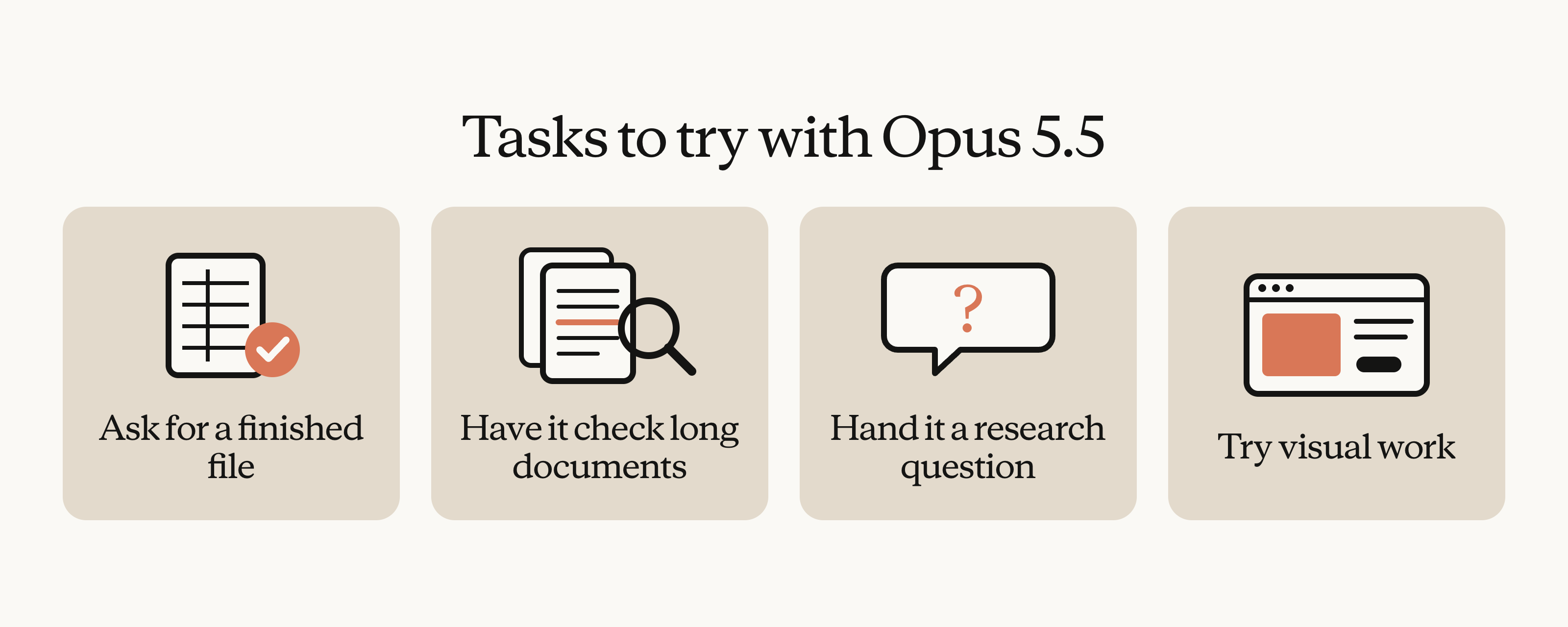
- Ask for a finished file. If you want a spreadsheet or a document, ask for the spreadsheet or document rather than an outline to build from. More often than not, Opus 5.5 can get from your request to the finished file in one pass.
- Have it check long documents. Give it a long plan, report, or deck and ask it to find mistakes and inconsistencies. Opus 5.5 catches details that are easy to miss in long documents, such as a chart in a deck that doesn’t match its source data.
- Hand it a research question. Ask a question without a set answer and have it pull sources together, work through long documents, and write up what it finds as a memo, report, or deck.
- Try visual work. Its vision gains carry over to design, so try it for prototyping an interface, building a website, or illustrating a concept.
Change these prompting habits
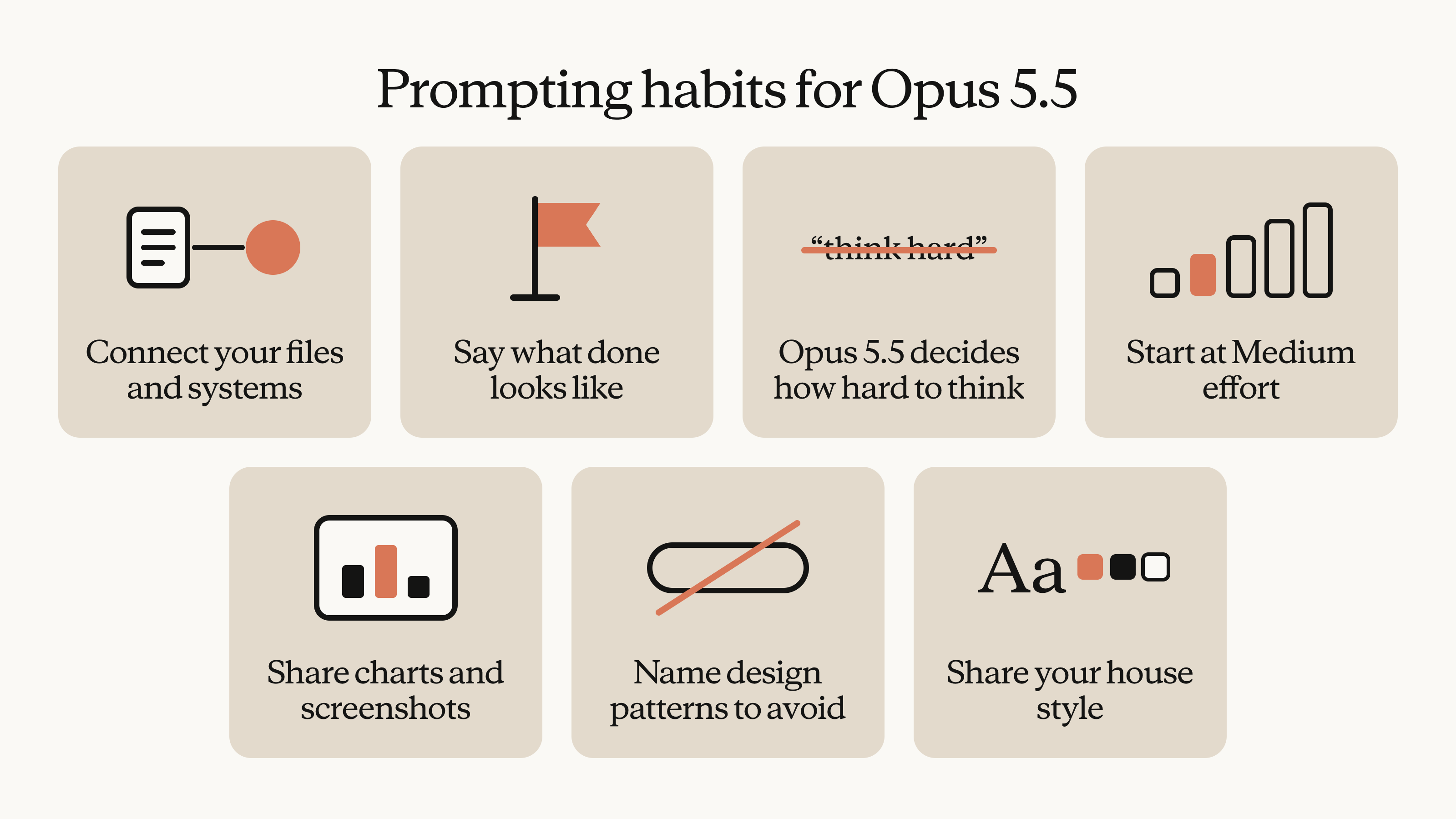
- Connect Claude to your work files and systems. This is one of the most useful steps for getting output that fits your work, because when Claude can reach your files and systems through connectors, it can go get what a task needs instead of working only from what you paste in. On Team and Enterprise plans, an owner has to turn a connector on before members can use it.
- Say what done looks like in your first message. Instead of prompting Claude with instructions one at a time, describe your goal, the finished output, and when you want it to stop and ask. Opus 5.5 carries long, multipart work through to the end better than Opus 5 did.
- Delete “think hard” and “think carefully.” Thinking is always on for Opus 5.5, and it decides how much to think based on your request and the effort level. In our testing, removing those lines made replies start sooner, with no clear drop in quality.
- Start at Medium effort. Medium is the default for Opus 5.5, and on our coding and knowledge-work evaluations, Opus 5.5 at Medium matched or beat Opus 5 at High. Higher settings think longer and cost more without always producing better work, so move up to High when Medium stalls. To change the setting, click the model name next to the send button and choose Effort.
- Attach the chart instead of retyping it. Share the chart, screenshot, or diagram itself rather than copying its numbers into the prompt. Workarounds built for earlier models, like transcribing a chart's values, may no longer be needed.
- Name the styles you don't want. For design work, a general instruction like “avoid a generic look” tends to swap one default style for another. Naming specific patterns to avoid, such as a cream background or pill-shaped buttons, works better.
- Give it your house style. Paste your brand or writing guidelines into the request, or point Claude to your best existing decks, for example in a Google Drive folder it can reach through a connector, and ask it to match them. Expect a few rounds before it's exactly right.
The effort finding held for early testers, too. Zimu Li, Member of Technical Staff at Factory, said, “Claude Opus 5.5 is the first model we’d default to at medium effort. In our testing it matched Opus 5 on high effort, while using 20 to 25% fewer output tokens.”
Testing Opus 5.5 on a demo project
Here's what all this looks like on one project we worked through in a demo. At a hypothetical retail company, revenue growth had slowed over the past year, leadership had four theories about why, and an analyst had a folder of material: spreadsheets of sales by store, PDFs from the latest leadership off-site, and other files. With Opus 5.5 at Medium effort, the prompt read, roughly:
Growth slowed a lot this year. Leadership has a couple of theories about why; they're in [my manager's] note. Everything I have is in the uploaded folder. Please test each of the four theories against the data and tell me which ones hold up.
The prompt doesn't tell Claude to think hard, and it doesn't say which file to check for which theory. It states the goal and what the final output looks like, and leaves the approach to Claude.
Claude found that the data didn't support any of the four theories, though one couldn't be fully ruled out. It then proposed an explanation that nobody had raised: new stores had opened too close to existing ones and were drawing sales away from them. The pattern was a little unclear with the stores listed by city, and clear once they were filtered by proximity to a new store. Claude backed the finding with a regression of the sales impact against that distance.
Next, Claude turned the analysis into a document that holds charts and interactive elements alongside text, including a slider showing how sales change with the distance between a new store and an existing one. A teammate reviewed the doc at the same time.
The manager then asked Claude to turn the doc into board slides that opened with the answer. For teammates who don't use Claude, docs export to Word, PDF, or Google Docs, and decks export to PowerPoint, PDF, or Google Slides.
To see the whole project, including the Q&A, watch the Opus 5.5 for Work session on demand.
Try Opus 5.5 on your own work
Pick something you'd normally split across several requests, like a research memo, a variance analysis, or a deck built from an existing doc. Give Opus 5.5 the files and a description of the finished result in one message, leave it at Medium effort, and compare the result with what you're used to getting from other models.