Explore what Claude can do for you
New to Claude? Start here. Tell Claude your role and get a personalized guide to the capabilities that will matter for your work.
Most people start with Claude by asking a random question and hoping for the best. But Claude can do far more than answer questions, and the most useful capabilities depend on what you actually do every day.
This prompt gives you a personalized starting point. Tell Claude your role, and optionally give it access to your working documents. Claude will surface the features and workflows most relevant to your work, complete with example prompts you can try immediately.
I'm a product manager at a B2B SaaS startup. I mostly work on roadmap prioritization and customer research.
I'm new to Claude. How can I use you most efficiently? Can you give me 5 examples I can try right now, ideally things that would actually make a difference in my daily work. Surprise me with one of them!
I’ve given you access to my docs (I think) to help you understand better what I do. Thanks!
The more context Claude has about your work, the more specific its suggestions become. Sharing your role is the minimum. Sharing your actual documents lets Claude tailor examples to projects you're already working on.
None. This prompt works with just a role description.

Add specifics about your work: Mentioning your industry, team size, or daily tasks helps Claude prioritize the most relevant capabilities.
Connect Google Drive: If your documents live in Drive, Claude can pull relevant context without manual uploads.
Enable Extended Thinking: For a more thorough breakdown of capabilities and how they connect to your workflow.
Claude produces a personalized starter guide based on your role and documents. Each suggestion includes a specific example prompt you can try immediately. If you've shared documents, Claude references your actual projects and offers to demonstrate a capability on the spot.
Let me take a quick look at your docs to give you examples that are actually relevant to your work.
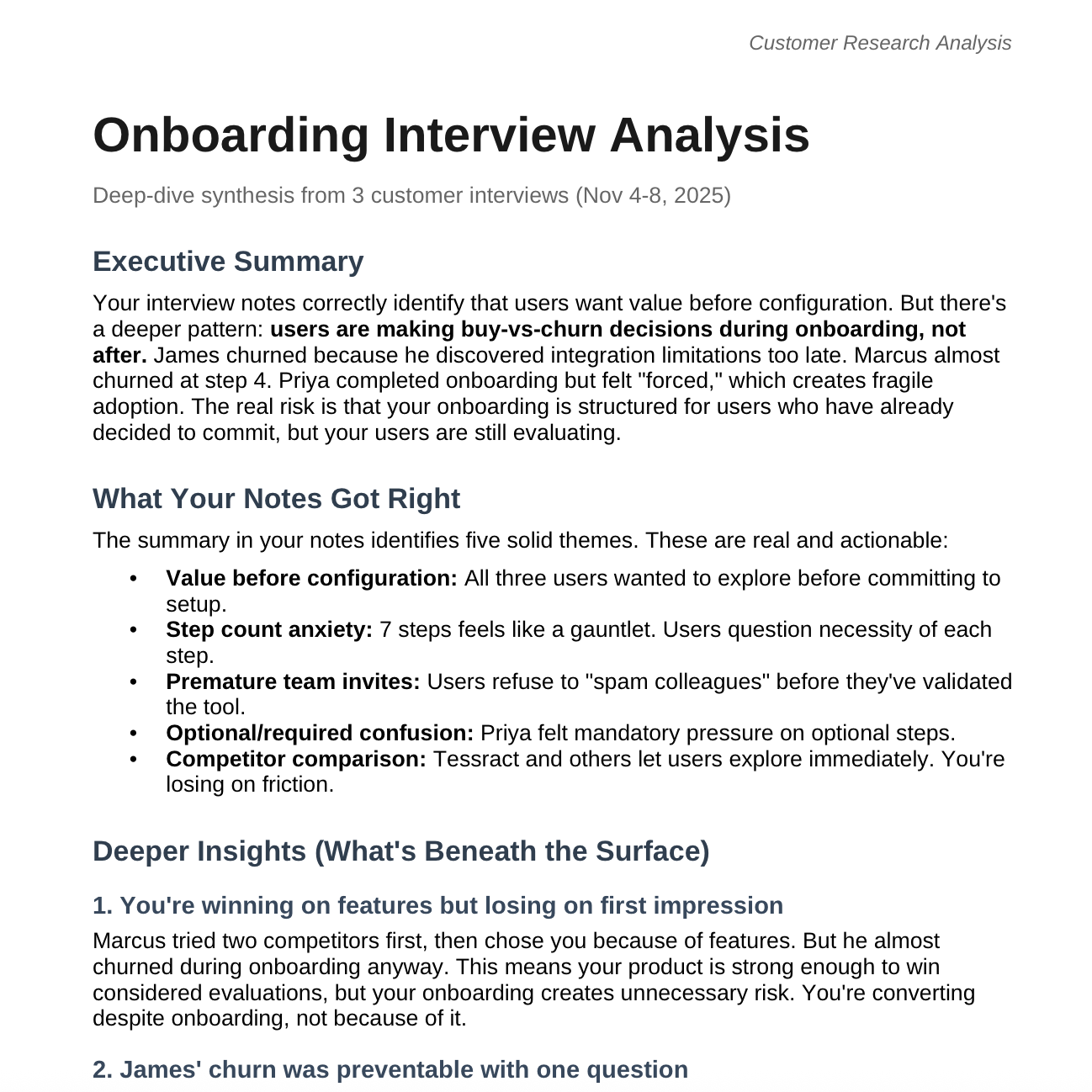
I found your PM docs. You're working on onboarding optimization with a focus on activation and retention. Here are 5 practical examples based on your actual work:
1. Synthesize customer interview themes
You have interview notes from Marcus, and likely others. Paste a batch of interview notes and ask: "What are the top 3 friction points across these interviews? Include direct quotes as evidence." I'll find patterns you might miss when reading them one by one.
2. Stress-test your prioritization
Your roadmap shows you're weighing "Skip Team Invite" vs "Sample Project" vs "Progressive Disclosure." Ask me: "Here's our current prioritization. Poke holes in it. What are we underweighting?" I'll push back constructively.
3. Draft a quick competitive teardown
You have a competitive doc on Clovant and Fynch. If a new competitor emerges, send me their marketing site or a few screenshots and ask: "How does their onboarding compare to ours? What should we steal?"
4. Turn rough notes into a tight 1-pager
When you need to communicate a decision to stakeholders, paste your messy notes and ask: "Turn this into a 1-page decision doc with problem, options considered, recommendation, and risks." I'll structure it cleanly.
5. The surprise: Let me analyze your interview notes right now
I noticed your Customer Interview Notes doc has feedback from Marcus Webb. Want me to pull the full doc and surface patterns, contradictions, or insights you might act on? I can do that in about 30 seconds. Just say "go."
Which one do you want to try first?
Move from examples to your actual work. Bring Claude something you need to produce this week.
Let's try the 1-pager. I need to get buy-in for simplifying our onboarding flow. Here are my rough notes from the last few weeks. Turn this into something I can send to leadership by end of day.
If you're not sure what you need, let Claude ask the questions instead.
I'm not sure how to frame the onboarding problem for leadership. Can you interview me about it? Ask me questions that will help us figure out the right angle.
Claude has capabilities like Projects (persistent context), web search, file creation, and integrations. Ask what might be useful for your workflow.
What Claude features should I know about beyond this chat? From all of your tools, what would be most helpful to me in my role?
"Product manager" gets generic suggestions. Uploading your roadmap, interview notes, and strategy docs lets Claude reference your actual projects.
Adding "I spend hours on status updates" or "I struggle to synthesize interview feedback" helps Claude prioritize capabilities that address your actual pain points.
If you want a more structured way to learn, this free course walks you through Claude's full toolkit. You'll move past the basics and into building Claude into your real workflow—plus a certificate when you finish.
Some of the best uses aren't about getting Claude to produce something. Try "Help me think through this decision" or "What am I not considering?" when you're stuck.