Built for developers
Work with Claude directly in your codebase. Build, debug, and ship from your terminal, IDE, Slack, or the web. Describe what you need, and Claude handles the rest.



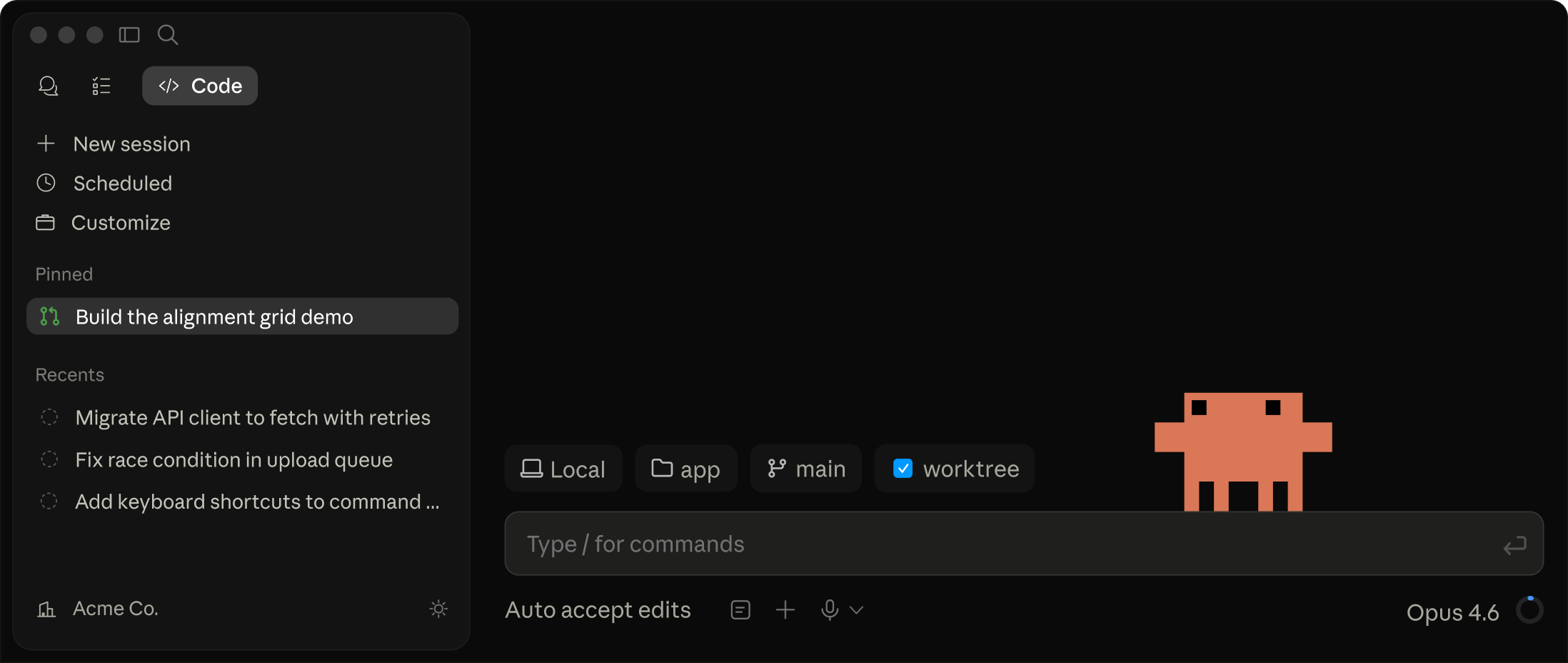
Claude Code on desktop
Run Claude Code in the desktop app. Manage multiple parallel tasks, review visual diffs, preview servers, and monitor PR status, all from one place.
Get started with Claude Code
Pro
Claude Code is included in your Pro plan. Perfect for short coding sprints in small codebases with access to both Sonnet 4.6 and Opus 4.7.
Max 5x
Claude Code is included in your Max plan. Great value for everyday use in larger codebases.
Max 20x
Even more Claude Code included in your Max plan. Great value for power users with the most access to Claude models.
Usage limits apply. Prices shown don't include applicable tax. Price and plans are subject to change at Anthropic's discretion.
Start a task from your phone, come back to a pull request
Route tasks to the desktop app from the Claude mobile app. Claude runs on your local machine and can open your apps, click through your UI, and test what it built. Now in research preview on Pro and Max plans.
Message Claude from your phone
Describe the bug, the feature, or the refactor. Claude picks up your codebase context where you left off.
Claude works on your local machine
It reads code in your local environment, writes changes, runs tests, and opens a PR. No setup or context files to select.
You get a working pull request
Not just a status update: a clean diff, passing tests, a ready-to-merge branch. You review, run CI, and decide what ships next.
What could you do with Claude Code?
I'm new to this codebase. Can you explain it to me?

⏺ I'll analyze the Excalidraw codebase structure and provide a high-level overview.

⏺ Analyze(what: "Excalidraw codebase structure and provide a high-level overview of what it is, its main components, and how they're organized. Focus on understanding the project's purpose, architecture, and key features.")

Excalidraw is an open-source virtual whiteboard application with a hand-drawn style. It's designed for creating diagrams, wireframes, and collaborative drawings.

## Purpose
- Web-based drawing tool with infinite canvas
- Hand-drawn aesthetic with support for shapes, arrows, text
- End-to-end encrypted collaboration
- Works offline as a PWA (Progressive Web App)

## Architecture
The project is organized as a monorepo with these main components:

1. Core Package (packages/excalidraw)
- React component library for embedding Excalidraw in any application
- Handles drawing, rendering, and core functionality
- Uses roughjs for the hand-drawn style
- Includes export capabilities (PNG, SVG)

2. Web Application (excalidraw-app/)
- Full-featured web app at excalidraw.com
- Built on top of the core package
- Adds collaboration features, local storage, sharing

3. Support Packages
- common - Shared utilities and constants
- element - Element manipulation and type definitions
- math - Mathematical functions for drawing
- utils - General utility functions

4. Examples
- Integration examples (Next.js, browser script)
- Shows how to embed Excalidraw in different environments

5. Documentation (dev-docs/)
- API documentation
- Integration guides
- Component documentation

## Key Features
- Real-time collaboration with end-to-end encryption
- Export to various formats (PNG, SVG, JSON)
- Customizable drawing tools (rectangle, circle, arrows, freehand)
- Dark mode support
- Localization
- Library of shapes and components
- Arrow bindings and labels
- Image support

## Technology Stack
- React for UI
- TypeScript for type safety
- Firebase for collaboration backend
- Jotai for state management
- Vite for development and building
- IndexedDB/LocalStorage for offline storage

The architecture allows for both using Excalidraw as a component in other applications and as a standalone web application with additional features.
Code onboarding
Claude Code maps and explains entire codebases in a few seconds. It uses agentic search to understand project structure and dependencies without you having to manually select context files.
Turn issues into PRs
Stop bouncing between tools. Claude Code integrates with GitHub, GitLab, and your command line tools to handle the entire workflow—reading issues, writing code, running tests, and submitting PRs—all from your terminal.
Make powerful edits
Claude Code's understanding of your codebase and dependencies enables it to make powerful, multi-file edits that work.
Powerful intelligence
- Uses agentic search to understand your entire codebase without manual context selection
- Makes coordinated changes across multiple files
- Optimized specifically for code understanding and generation with Claude models
Works where you work
You're in control
- Never modifies your files without explicit approval
- Adapts to your coding standards and patterns
- Configurable: Build on the SDK or run on GitHub Actions
Meets you where you code
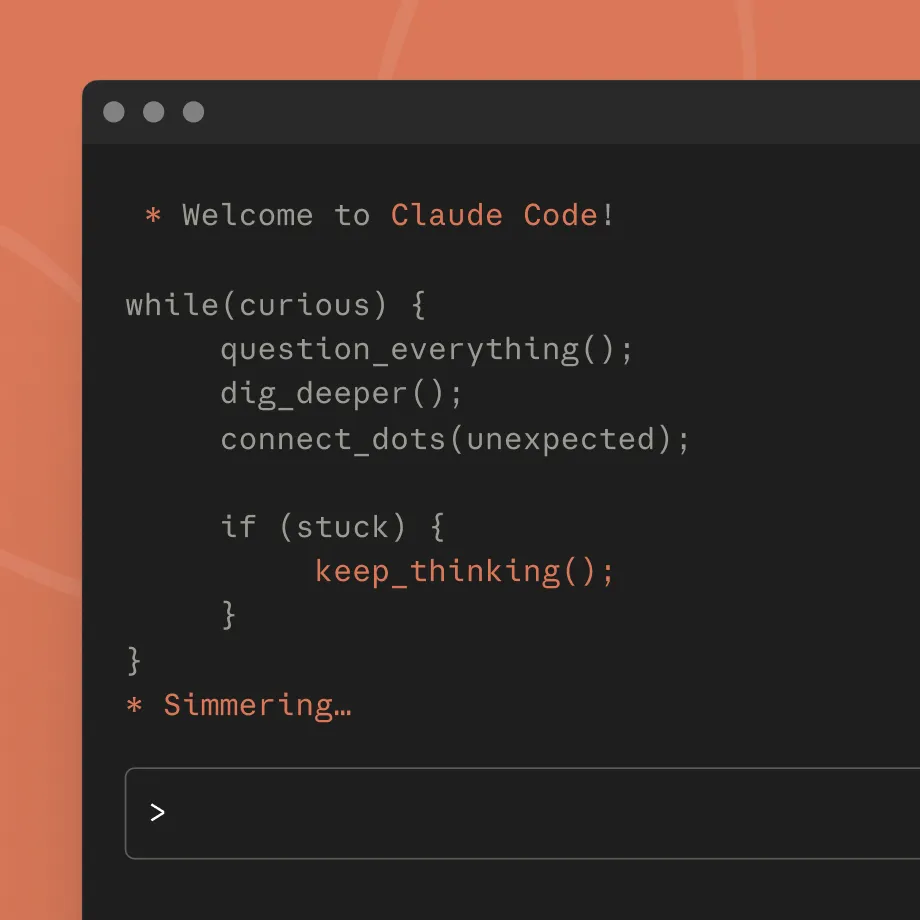
Start in your terminal
Super powerful terminal integration. Works with all your CLI tools alongside any IDE.
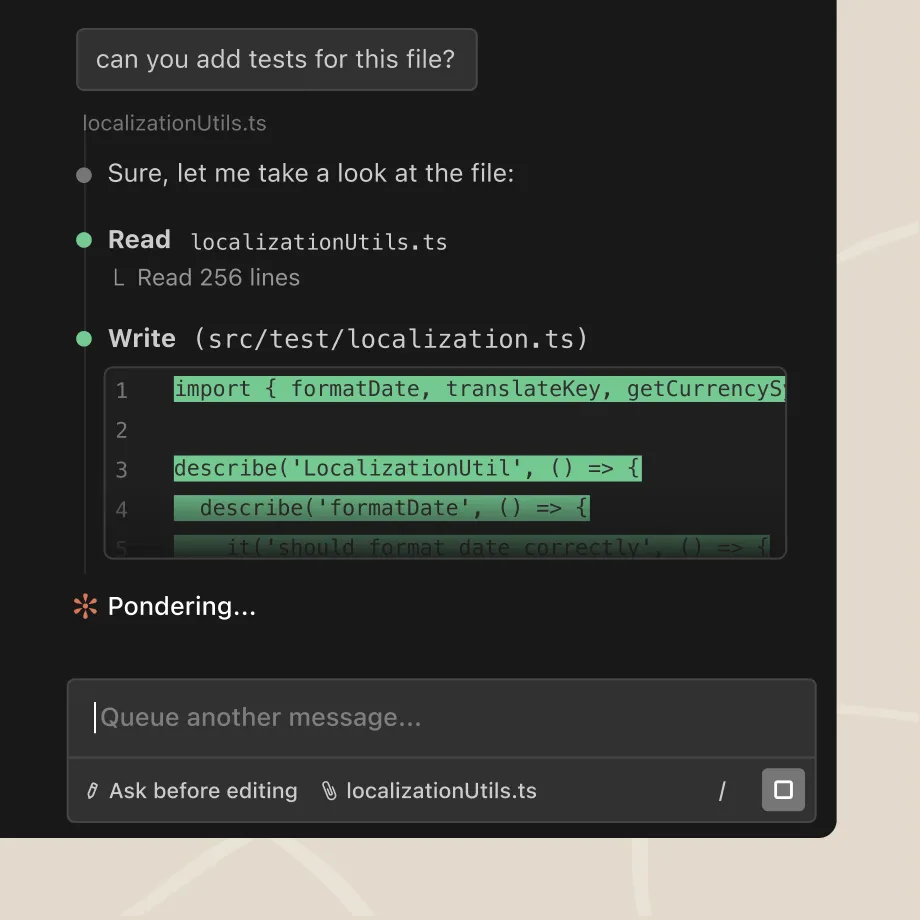
Integrate with your editor
Native extensions for VS Code (+ Cursor, Windsurf) and JetBrains IDEs.
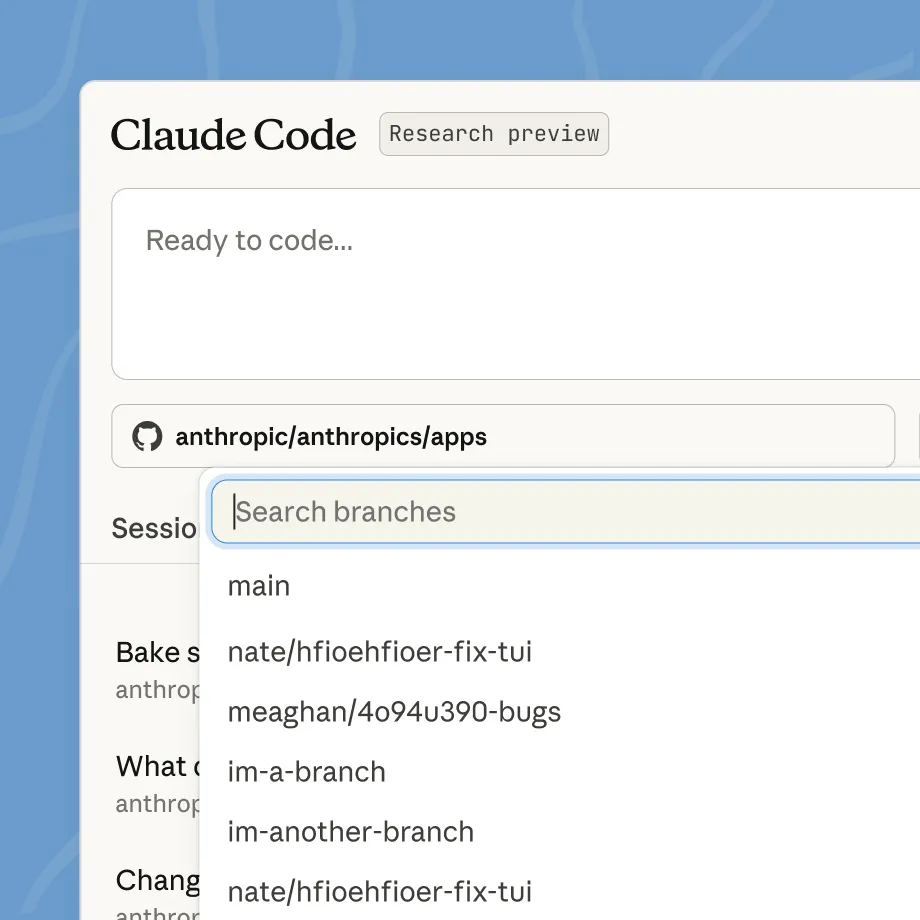
Access anywhere
Quick access from browser, mobile app, or Claude on desktop. Great for parallel work or on-the-go coding.
Latest feature announcements
What developers are saying

“Claude Code has dramatically accelerated our team's coding efficiency. I can now write EDA code in a notebook—pulling data, training a model, and evaluating it with basic metrics—and then ask Claude to convert that into a Metaflow pipeline. This process saves 1-2 days of routine (and often boring!) work per model.”
Anton Biryukov, Staff Software Engineer
Read story
“With Claude, we're not just automating customer service—we're elevating it to truly human quality. This lets support teams think more strategically about customer experience and what makes interactions genuinely valuable.”
Fergal Reid, VP of AI
Read story
“Claude Code is moving our team up a level: we decide what needs to happen, and smooth the process so it can build and verify end-to-end. A big part of my job now is to keep as many instances of Claude Code busy as possible.”
Simon Last, Co-founder
Read story







Connects with your favorite command line tools
Your terminal is where real work happens. Claude Code connects with the tools that power development—deployment, databases, monitoring, version control. Rather than adding another interface to juggle, it enhances your existing stack.
FAQ
You can access Claude Code with a Claude Pro or Max plan, a Team or Enterprise plan premium seat, or a Claude Console account. Download Claude Code and sign in with your respective Claude or Console credentials.
Claude Code excels at both routine development tasks like bug fixes and testing, as well as transformative work like refactors and feature implementation that require deep codebase understanding.
Claude Code runs in your terminal and works alongside your preferred IDE and development tools without requiring you to change your workflow. Claude Code can also use command line tools (like Git) and MCP servers (like GitHub) to extend its own capabilities using your tools.
Yes. Claude Code runs locally in your terminal and talks directly to model APIs without requiring a backend server or remote code index. It also asks for permission before making changes to your files or running commands.
Claude Code works with the Opus 4.6, Sonnet 4.6, and Haiku 4.5 models. Enterprise users can run Claude Code using models in existing Amazon Bedrock or Google Cloud Vertex AI instances.
Claude Code works on macOS, Linux, and Windows. See full system requirements.
When used with a Claude Console account, Claude Code consumes API tokens at standard API pricing.
Yes. Max, Pro, Team, and Enterprise users can access Claude Code on the Claude desktop app.
Fast mode is a high-speed configuration for Opus 4.6, making the model 2.5x faster at a higher cost per token. Fast mode is available:
- In research preview on Claude Code, and is priced at $30/$150 per million tokens.
- On consumption-based plans.
- Via usage credits for users on subscription plans.