Process batches of vendors with Cowork
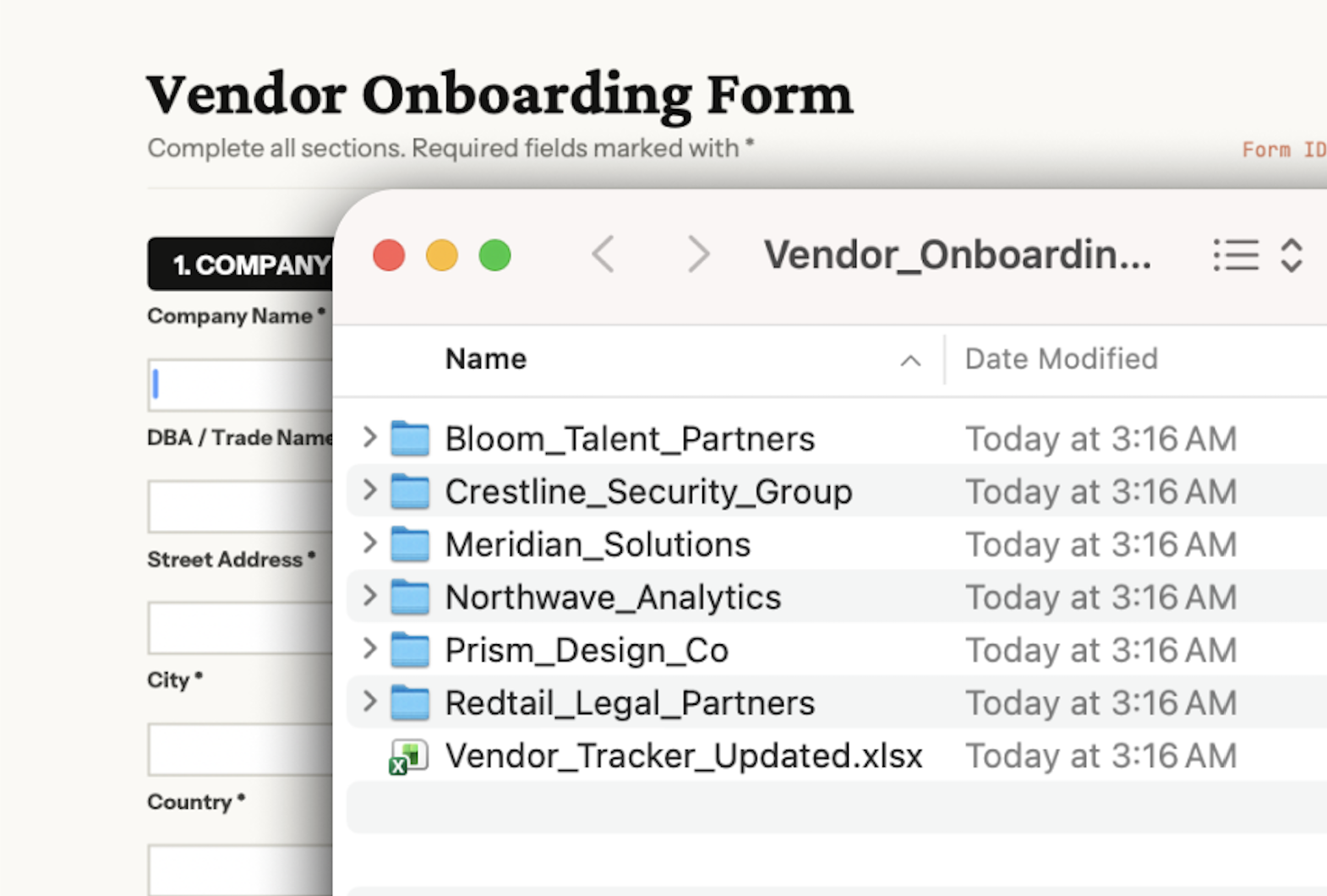
Onboard several vendors in one session — with Cowork, Claude can read a folder of vendor files, adds each to your tracker, generates their contracts, and fills multiple intake forms in your browser.
In Cowork, Claude works across your local files and browser in a single session. It reads your vendor tracker, contract templates, and vendor documents from a folder, then fills intake forms in your procurement portal through Claude in Chrome.
In your prompt, describe the end state you want. Claude plans the onboarding steps from there, and when parts of the workflow are independent, it runs them in parallel.
I need to onboard several vendors. Their documents spread across my desktop.
For each new vendor:
Organize all the new documents on my desktop.
Cowork is a workspace in Claude Desktop where Claude works directly with your local files, so there's no copying and pasting into the conversation. For browser work like filling portal forms, it uses Claude in Chrome.
What to expect: After your initial prompt in Cowork, Claude may ask you questions about how to handle the batch, then build a plan you can review in the sidebar. This front-loading helps it run end-to-end with fewer interruptions.
To get started:

Claude works through each step, moving between your local files and your browser to complete the full onboarding. Using the Claude in Chrome connector, Claude opens your procurement portal in a new browser tab and fills out intake forms directly, while reading vendor details and generating contracts from the files in your folder.
I'll work through the onboarding in three parts — updating your spreadsheet, completing the portal form, and generating the MSA.
I've added Meridian Solutions to your vendor tracker:
I've completed the vendor intake form in your Chrome tab. The form is ready for you to review and submit.
I've created the MSA from your template and saved it to your Documents folder.
I'll now continue with the remaining vendors…
Create more contracts from your templates. NDAs, SOWs, or other vendor documents using the same vendor details.
"Also generate an NDA from our template at ~/Documents/Templates/NDA-Template.docx and save it in the same folder as the MSA."
Create a vendor folder with everything in one place. Move or copy all onboarding documents to a dedicated folder.
"Create a folder called Meridian-Solutions in ~/Documents/Vendors and move the MSA there. Also save a copy of their contact details as a text file."
Updating the vendor tracker and generating the contract don't depend on each other — so you can ask Claude to spin up subagents and run them in parallel.
Install Claude in Chrome and add it as a connector in your Cowork session. Log into your procurement portal before you start — Claude works within your authenticated session.
Cowork displays which files Claude is reading and what it's doing at each step. If something looks off, you can steer the work in progress.