Organize files across your desktop
Grant Cowork access to your cluttered desktop and walk away. It reads your files, figures out what they are, and sorts them into folders while you do something else.
Grant Claude access to your desktop. In Cowork, it sees the same chaos you do: scattered screenshots, project folders with cryptic names, downloads you never moved. It reads through everything and sorts it into a clean folder structure.
Come back to a tidy desktop and a summary of what went where.
Please help organize my desktop. Evaluate all of the scattered files and organize based on the contents inside of them.
Cowork is a workspace in Claude Desktop that works directly with your local files. Grant it access to your desktop and it navigates and moves files the same way you would — no uploading required.
To get started:

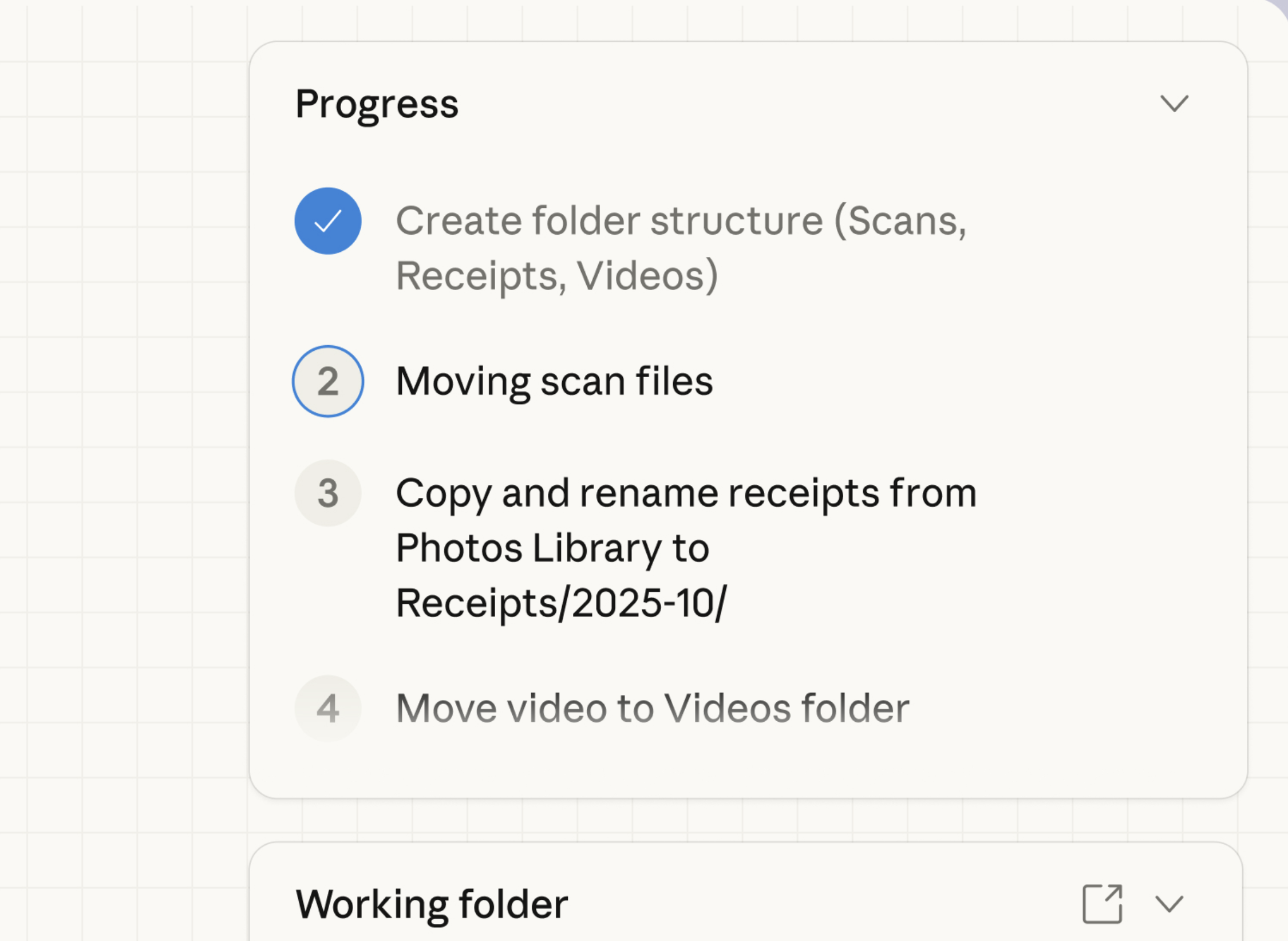
Cowork scans your desktop, categorizes each file, and creates a folder structure. You'll see progress updates as it works and a summary of what changed.
I'd be happy to help organize your desktop! Let me first take a look at what's currently there.
Running command...
That's quite a cluttered desktop! I can see you have a mix of project folders, screenshots, photos, and documents scattered around. Let me sort through these.
Before: 180+ items scattered across your desktop
After: 5 clean folders
Cleaned up
Your desktop should now be much easier to navigate!
Apply your own categories instead of the defaults. If you organize by client, by date, or by project phase, tell Cowork and it will restructure.
"Actually, split the Projects folder by language — Python projects in one folder, JavaScript in another, and everything else in misc."
Cowork remembers what it moved and where. If you're hunting for a file in the new structure, ask.
"Where did that budget spreadsheet end up? I think it was called Q3_budget or something like that."
Set up folder conventions you can maintain. One cleanup helps, but a system keeps things tidy going forward.
"Set up a Downloads folder too, and show me a simple system for where new files should go so this doesn't pile up again."
Cowork runs locally. It can see and move your files, but nothing gets uploaded anywhere. The organization happens right on your machine, same as if you did it yourself.
If granting full desktop access feels like too much, use "Work in a folder" to point Cowork at just your Downloads or Documents folder first. You can always expand access once you see how it works.
Cowork will ask before deleting anything that looks important, but if you know certain file types are always junk (like .tmp files or duplicate downloads), mention that upfront. The clearer your rules, the more Cowork can do without checking in.
Organizing a full desktop takes a while. Open a new session from the sidebar for other work. You'll see a grey dot in the sidebar when this one needs attention.